Five A+ modules we test first on a new listing
Basic A+ gives you five modules. The order we fill them on a new listing, and the Canadian packaging detail that can get your A+ rejected.
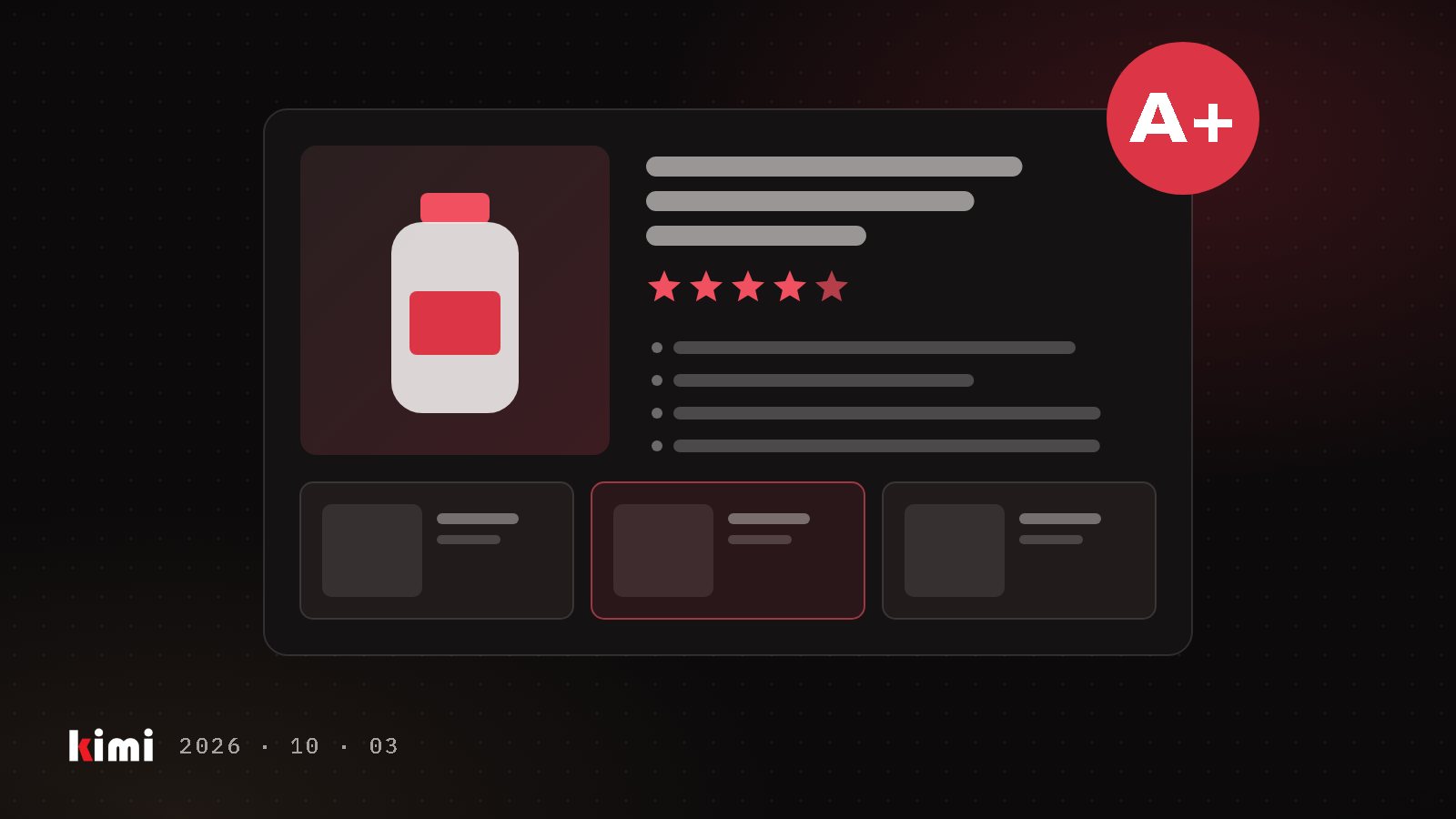
A+ Content is the designed section further down an Amazon product page: images, text and comparison charts below the bullet points. A shopper who scrolls that far is weighing the purchase and looking for reasons to trust the product. Basic A+ gives you five modules to make that case, so deciding which five comes before any design work.
The rules you work within
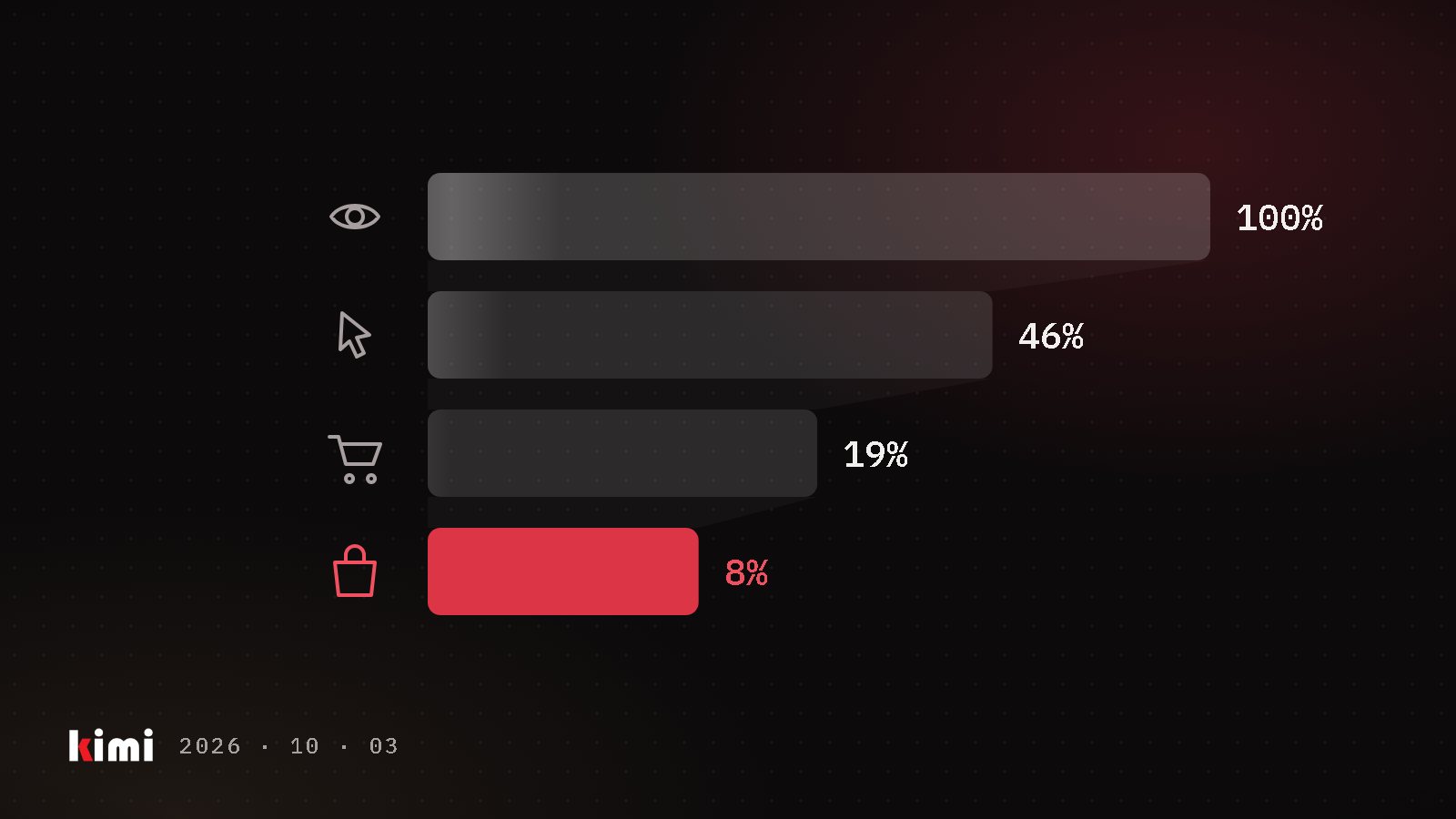
A+ is free. It needs a Professional selling account with the Brand Representative or Reseller role on a brand enrolled in Brand Registry, Amazon's program for trademark owners. According to Amazon's A+ design guide, Basic A+ allows up to five modules per ASIN and Premium A+ up to seven. Premium adds larger images, video, hotspots, carousels and Q&A modules, and is open to registered brands that meet Amazon's criteria. Amazon's A+ page says Basic A+ can increase sales by up to 8% and Premium by up to 20%. We read those as Amazon's best case and measure our own.
Each A+ document is written for one language, per Amazon's A+ Content API model. Amazon.ca shoppers can switch the store to French, so a Canadian listing may need two versions.
The five we start with
- Header image with text: the promise. The full-width band at the top. One sentence on what the product does for the buyer, with the product shown in use. A shopper who reads only this band should know why it's different.
- Three images with text: the reasons. Three benefits, each paired with a photo that proves it. Pick them from the objections you see in reviews and customer questions.
- Comparison chart: the range. Up to six products side by side, and Amazon makes the chart shoppable. Use it to steer shoppers to the right size or pack and to show the value of the bigger one. Spell out exactly what's in each pack and match it to the main image: if your 6-pack is two 3-packs, show two 3-packs.
- Technical specifications: the proof. Dimensions, materials, ingredients, certifications. Only claims you can document, because Amazon reviews every A+ document before it is published.
- Four images with text: how to use it. Four steps, four photos. It answers "will this work for me?" before the shopper has to ask.
We start with this set because each module answers a different question at that point on the page: what is it, why this one, which one, can I trust it, how do I use it. After launch we change one module at a time. If your account holds the Brand Representative role, Manage Your Experiments can split shoppers between two versions of your A+ on products with enough traffic.
What gets A+ rejected in Canada
In our experience, Amazon's review reads the text inside your images as well as the text you type. That includes the packaging in your product photos. In Canada, the product identity on a pack must appear in English and French, and that is where we got caught. A body wash labelled "gel douche" failed review on the word "douche", which simply means shower in French. The same bottle passed when it was small in a cross-sell band and failed when it was large enough to read.
Rewriting your copy won't help, because the word is in the photo. Use an English-facing packshot, or frame and size the pack so that line can't be read, then resubmit. Before the design starts, read every word printed on your packaging, in both languages, as a filter would.
English A+ can travel to Amazon.ca on its own
We have seen English A+ created on Amazon.com appear on the same products on Amazon.ca within minutes, but only where the Canadian listing had no A+ yet. A placeholder on the Canadian listing blocked the copy, and nothing travelled from Canada to the US. If you want Canadian A+, with French copy or Canadian certifications, publish it before the US launch, and check Amazon.ca after every US change.
Five modules is a tight brief, and that helps. Give each one a single shopper question to answer, read your packaging the way Amazon's review does, and treat Amazon.ca as its own page with its own language.
Sources
- Amazon A+ Content design guide (Sell on Amazon blog, Sep 24 2025)
- A+ Content (Sell on Amazon)
- Manage Your Experiments (Sell on Amazon)
- A+ Content API model v2020-11-01 (Amazon Selling Partner API models, GitHub)
- Change your language preference (Amazon.ca customer help)
- What must be on the label (Competition Bureau Canada)