Your 1-pack, 4-pack and 12-pack: Amazon's new quantity theme and why families split
Amazon's new quantity variation theme changes how multipacks display. What it means on Amazon.com and Amazon.ca, and what breaks families.
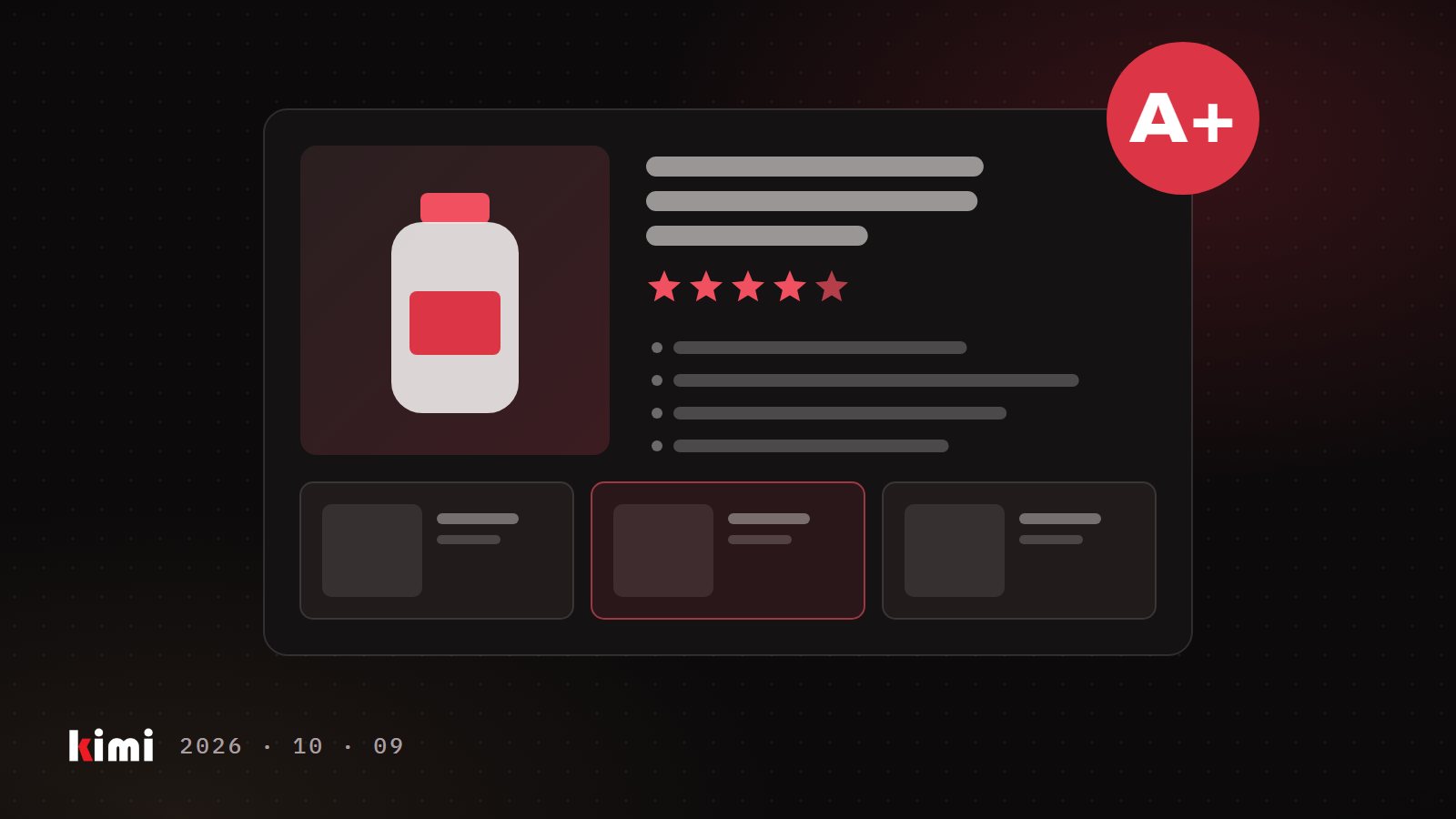
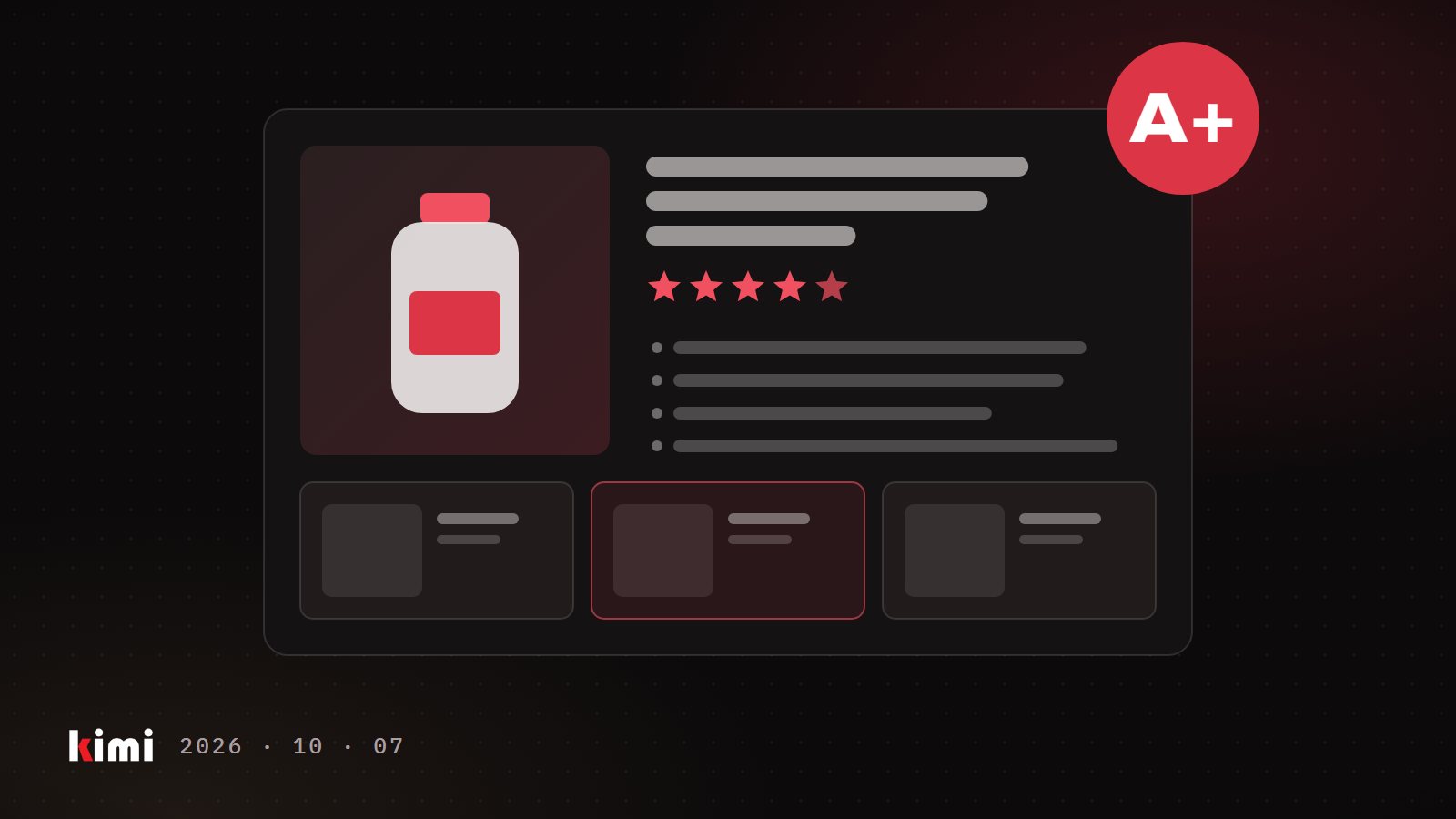
You sell the same product as a single, a 4-pack and a 12-pack. On Amazon, those three can sit on one page and share one set of reviews. Or they can sit on three separate pages that compete for the same shopper. Which one you get depends on how your variation family is built. Amazon has just added a new way to build it for pack counts, and holiday multipacks are when the cracks show.
What a variation family is
Every product on Amazon has an ASIN, Amazon's catalog number for one item. A variation family groups related ASINs on one detail page. The parent is a container that shoppers can't buy. The children are the versions they can buy. The variation theme is the dimension the children differ by: size, colour, scent or count.
When the family is built well, a shopper switches from the single to the 12-pack in one click. Amazon says every purchase, whichever variation it is, can collectively help your product's ranking in search.
Reviews are the other reason this matters. Since February 2026, Amazon shares reviews only between variations with minor differences. Pack size and quantity variations are on the list that still share. So a 12-pack that sits outside its family shows only its own reviews, while the single next door may have hundreds.
What the new quantity theme changes
Amazon has launched a variation theme for total product quantity. It covers 193 product types, mostly in hardlines (durable goods such as tools, hardware and household items). Amazon says it will expand to other categories later in 2026.
The theme shows quantity in one standard format. A single pack reads "X count". A multipack reads "X count (Y packs of Z)". You fill two fields:
- Unit count: the total number of individual units the customer receives.
- Number of packs: the number of separately packaged groups in the listing.
Amazon's own example: one box of 72 zip ties is 1 pack with a unit count of 72. Unit count is required when you use the theme. Number of packs is required only when the product contains more than one pack.
The theme is optional, for new and existing listings. Nobody will move your current family for you. Where your product type is eligible, it gives shoppers a cleaner way to compare a 4-pack with a 12-pack, because the count no longer hides inside a size or colour field.
A note for Canadian brands: Amazon published this announcement in Seller Central for Amazon.com. Check what your Amazon.ca account offers before you plan around it.
Where multipack families break
We manage variation families on both marketplaces every week. Four problems come back again and again.
The family only exists on Amazon.com. In our experience, Amazon builds the parent and the parent-child links separately in each marketplace, and the parent is usually a different ASIN on Amazon.ca. The same children can look grouped in the US and scattered in Canada, or the reverse. We have seen a child stand alone on Amazon.com while it sits inside the family on Amazon.ca. An audit done in one marketplace tells you nothing about the other.
The old pack-count theme refuses your new child. In some product types we work in, themes built on "number of items" are now marked deprecated on both marketplaces. You find out when you add a new 24-pack and the family's theme won't take it. The usual fix is to carry the pack count in another attribute that a live theme accepts, then check how it displays on the page.
The brand looks identical, and the family still rejects the child. Amazon can refuse a child because the brand value isn't consistent across the family, even when every page shows the same brand name. In our experience, that error is about whose brand data sits behind the ASIN. Every seller's contribution to the ASIN counts, so one reseller offer with empty or shortened brand data can be enough. Resubmitting all your children is the wrong move. Each one gets judged again and can drop out of the family. Find the one contribution that disagrees and fix that.
The multipack has no barcode of its own. A new multipack is a new product. In our tests, the barcode exemption route did not get one created. Plan a GTIN (the UPC or EAN number) for each pack size before the packaging is printed.
One small trap costs days on cross-border catalogs. In our experience, the same unit field can accept a value on Amazon.ca and reject it on Amazon.com, down to a capital letter. Submit to each marketplace and read the result in each.
Audit your families before holiday multipacks go live
This takes an afternoon per marketplace. Do it before gift packs start selling.
Pack sizes are one of the simplest ways to raise order value, and quantity variations still share reviews. That only pays off if every pack size sits in its family, in both marketplaces. Check each child where shoppers see it, use the quantity theme where your product type allows it, and when the brand check fails, fix the one record that disagrees.