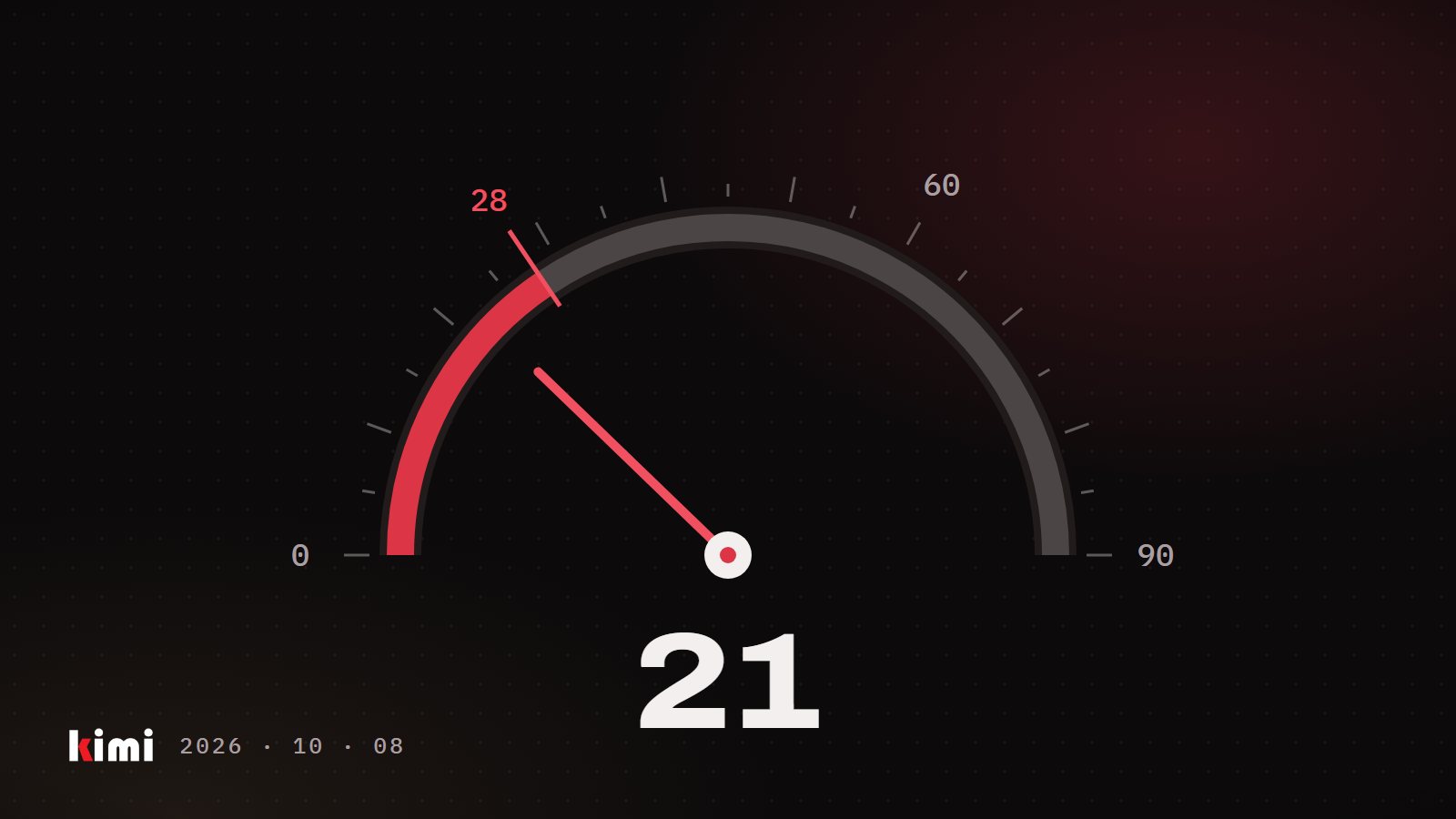
Why last week's ACoS looks worse than it is: how Amazon credits ad sales
Amazon credits ad sales days after the click, so recent days always look weak. How to read settled data before you cut bids or pause keywords.
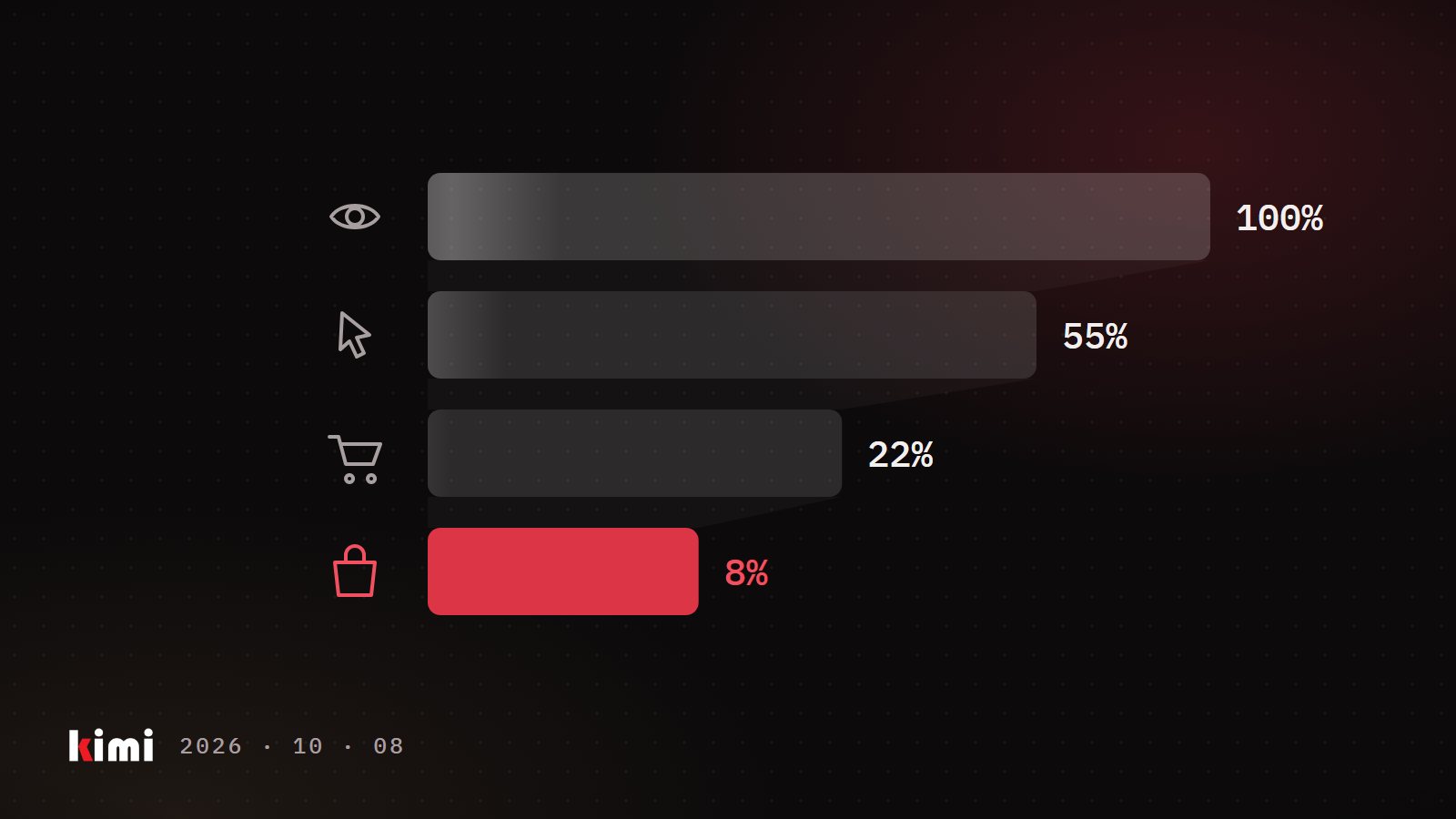
The sale event is over and you open your ad reports. The last few days look rough: plenty of clicks, thin sales, and an ACoS (advertising cost of sales, your ad spend divided by the sales Amazon credits to your ads) far above normal. The obvious move is to cut bids, pause keywords or blame the listing. First, check how old those days are. Their sales are often still on the way.
How Amazon decides which sales belong to an ad
When a shopper clicks your ad, Amazon keeps watching. If that shopper comes back and buys within a set period, the sale is credited to the ad. That period is called the attribution window. Amazon's help for advertisers describes a 7-day window for Sponsored Products and a 14-day window for Sponsored Brands.
In the reports we read every day, a late sale is credited back to the day of the click. An illustrative example: you spend $100 on clicks on Monday. On Tuesday morning the report shows $150 of sales for Monday, an ACoS of 67%. Over the next week, shoppers who clicked on Monday come back and buy. Monday ends up with $300 of sales and an ACoS of 33%. Nothing about Monday changed. The report caught up.
Why yesterday always looks like your worst day
Any report that ends yesterday includes days that haven't finished collecting their sales. So the recent end of every chart leans toward low sales and high ACoS.
That makes a very common comparison unfair. "Last 14 days versus the 14 days before" puts an unfinished block against a settled one. The recent block will almost always look worse, even in a week when nothing went wrong. In our experience, an account read this way can look like it's collapsing while the same data, read on settled days, shows a healthy account.
Sale events make this sharper: the days right after a big event are exactly the ones you want to judge. The mechanics are the same on Amazon.ca and Amazon.com.
Read settled blocks of days
For any diagnosis, use date ranges that ended at least 14 days ago. Compare blocks of the same length and the same age. Four back-to-back 14-day blocks, all finished, tell you far more than this week against last week.
If you have to act on recent data, leave out at least the last 7 days. When you need a fast read on whether sales are holding up, look at your total ordered sales in Seller Central's sales reports. In our experience those are counted on the day the order is placed and settle within a day or so, so attribution lag can't distort them.
The second trap: a single keyword needs a much longer window
A settled 14-day block is the right lens for the whole account, where spend is large. It is the wrong lens for one keyword that spends a few dollars a day. Ten or twenty clicks with no order is a tiny sample. As an illustration, if a product sells once every twenty clicks on average, a run of twenty clicks with no sale happens roughly one time in three by plain luck.
When we re-check pause and negate candidates on a longer window, many drop off the list. We have seen keywords with zero orders in a fortnight turn out profitable over a few months, and a new product's main search term come close to being blocked on two weeks of data. A negative keyword (a search term you tell Amazon never to show your ad for) stays in place until someone remembers to remove it, so a wrong call keeps costing you.
Here is the useful part. Because recent days can only under-count sales, a long window that includes them gives you a floor. If a keyword shows a healthy return over four months, its true return is at least that. So the long window can safely rescue a keyword from a pause, and it won't hide a real loser: a real loser looks bad over a long window with plenty of clicks.
A new product's campaigns are expected to run below breakeven while they gather data, so check a campaign's age before you call low returns waste. And the console's search term report only reaches back about 65 days, so download your reports on a schedule and keep them.
Judging a bid change: wait 48 hours, then read clicks and cost per click
Ad-attributed sales and ROAS (return on ad spend, the inverse of ACoS) lag, so they can't tell you whether a bid change from two days ago worked. What is reliable within a day or two: ad spend, clicks, and CPC (cost per click, what you pay on average for each click). Add total ordered sales for the same days.
After about 48 hours, ask one question: did the change buy more clicks at a price you accept? If spend went up and clicks stayed flat or fell, you paid more for the same traffic. Revert it.
From running live accounts: a campaign with a strong return may already win nearly all the traffic it can, and a higher bid then only raises the price you pay. Real room to grow shows up as unspent budget together with low impression share. Also, switching the bidding strategy can move CPC far more than a small bid tweak made at the same time. Change one thing, on a few campaigns, read it at 48 hours, then roll it out.
Ad reports fill in over one to two weeks after the click. Judge the account on settled blocks, judge a single keyword on the longest window you have, and judge a bid change on clicks and CPC after 48 hours. Do that, and the week after a sale event stops being the week you cut good campaigns right before Black Friday.