Amazon's new ads that ask buyers for reviews: what to check before you pay
Amazon will sell ads asking recent buyers to rate products under 1,000 ratings. What's confirmed, what isn't, and what to fix before you pay.
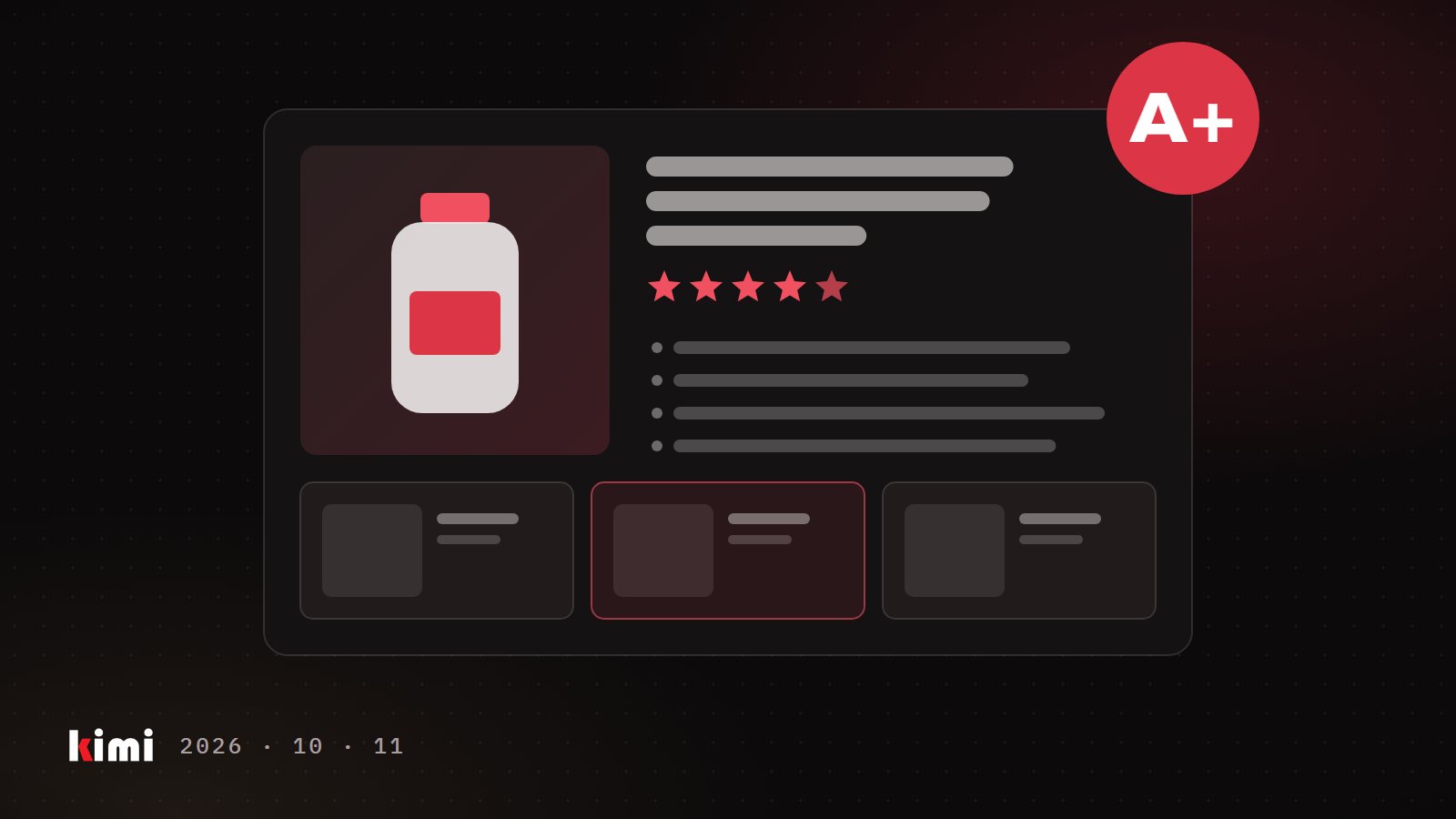
Your product sells, but its review count looks thin next to the listings beside it in search. So when Amazon announced an ad that asks recent buyers to rate your product, it probably sounded like a shortcut. Before you set a budget, know what Amazon has published, what it hasn't, and what decides whether that money builds your page or someone else's.
What Amazon has announced
On September 29, 2026, Amazon Ads published a launch announcement for Review Requests. The ad reaches customers who recently bought your product and invites them, while they shop on Amazon, to leave a star rating in one tap. A written review, photos or video are optional. Amazon says the invites can show on its busiest pages, such as the homepage.
Confirmed so far:
- Where: the United States only. Amazon says more marketplaces are planned. Nothing has been announced for Amazon.ca.
- When: the launch page says open beta in late October 2026. Amazon's news release says November 2026.
- Which products: those with fewer than 1,000 total ratings and reviews. Amazon checks this when you create the campaign and while it runs, and pauses the product once it reaches 1,000.
- Who: registered sellers and vendors with an advertising account in good standing and no active policy violations.
- How: you build campaigns in Amazon Ads Agent or through Amazon's API, with the usual bids and budgets.
Amazon also reports that products in its closed beta, run in the US in June 2026, received about three times as many ratings and reviews per week as before the test. That is Amazon's internal data from a three-week test. It says nothing about what a rating will cost you.
What Amazon hasn't said yet
Three questions matter for your budget, and the public pages don't answer them:
- What you are billed for. The pages mention bids and budgets. They don't say whether you pay per impression, per click or per rating.
- Which buyers count as yours. If a reseller also sells on your listing, it isn't clear whether their customers see your invite.
- Whether the ad needs the featured offer. The featured offer, which sellers call the Buy Box, is the offer a shopper buys from when they click Add to Cart. Sponsored Products, Amazon's standard keyword ads, only serve products that are eligible for it. Amazon hasn't published a rule for Review Requests.
Get answers before you commit money.
Use the free tools first
Amazon already gives you two ways to ask for reviews, and both work on Amazon.ca as well as Amazon.com.
Request a Review. On each order's details page in Seller Central, this button sends the buyer a standard Amazon message asking for a product review and seller feedback, translated into the buyer's language. You can use it once per order, between 5 and 30 days after delivery. It costs nothing.
Amazon Vine. Amazon sends free units of your product to invited reviewers, called Vine Voices, who post honest reviews. You need a Professional selling account, the right role on a brand enrolled in Brand Registry (Amazon's program for brand owners), and FBA offers, meaning Amazon stores and ships the product. An existing product qualifies with fewer than 30 reviews. A new one can enroll before launch. You can offer up to 30 units per parent product. On Amazon.com the fee is $0 for up to 2 units, $75 for 3 to 10 and $200 for 11 to 30. On Amazon.ca the two paid tiers are CAD 100 and CAD 240. Amazon says you aren't billed until the first review is published, and not at all if none arrives within 90 days.
If a product has fewer than 30 reviews and has never been through Vine, start there. If eligible orders go out without a review request, start there too. A paid prompt makes sense once both are running and the count is still thin for your category.
Where review money gets wasted
Ratings live on the detail page, and every seller on that page sells against them.
In the accounts we run, ad products tied to an ASIN (Amazon's product ID) stop serving without warning when the listing loses its featured offer or runs out of stock. Spend on that product drops to zero while the rest of the account carries on. Whatever Amazon decides for Review Requests, the money logic is the same:
- If a reseller holds the featured offer, every rating you pay for helps them convert. You are paying to build a page someone else is selling from.
- If you are a few weeks from a stockout, the new ratings land when shoppers can't buy. In our experience, a listing that goes dark for a few weeks also loses organic rank and comes back needing much more ad spend for the same orders.
Settle who holds the offer and how much stock you have first. Fund review prompts after that.
Judge it on weeks that have finished
Ratings lag. The buyer has to receive the product, use it, then respond. In our experience, the last week or two of any Amazon ad report is still filling in, and reading it early makes results look worse than they are. Compare full weeks of new ratings before and after launch, using only weeks that ended at least 14 days ago. Decide in advance what a rating is worth to you, and when you'll stop.
Review Requests may be a useful tool for a product that is new, in stock and clearly yours on the page. On a listing a reseller controls, or one about to run dry, it pays for a better page you won't be selling from. Check the offer and the stock, run the free tools, then test the paid prompt on one product with a stop date.