Flat sales after Prime Big Deal Days? A 20-minute triage before you change anything
Sales flat the weekend after Prime Big Deal Days? Check stock, the Buy Box and ad budgets, in that order, before you cut bids or rewrite your listing.
Prime Big Deal Days ran October 6 and 7 on both Amazon.com and Amazon.ca. Then Friday and Saturday came in flat. Did shoppers simply spend early, or did something break on your side? Black Friday is a few weeks out. Guess wrong now and you carry the wrong fix into the busiest weeks of the year.
The usual reflex is to cut bids, rewrite the title or swap the main image. Those moves are slow to undo. Before you change anything, run four checks in a fixed order. Each takes about five minutes and rules out a cause that would mislead the next one.
Check 1: Was the item in stock on those days?
Judge stock as of Friday and Saturday. This morning's number does not count. You open Manage All Inventory, see healthy units and a restock checked in, and cross stockouts off the list. But today's count describes today. If the item ran out Thursday and the replenishment landed Sunday, the dashboard looks fine and the slump is fully explained.
Two places tell you about the past. The Inventory Ledger report in Seller Central (Reports, then Fulfillment) has a summary view with daily balances by SKU. The faster one is your ad history. Amazon shows Sponsored Products ads (the paid listings in search results and on product pages) only for items that are in stock, and it pauses an advertised product when it runs out. So if an item's ad impressions fell to near zero on certain days, treat that as a stockout until proven otherwise. In our experience, this one look settles most mystery drops.
Check 2: Is your offer still the featured offer?
The featured offer, often called the Buy Box, is the offer shoppers buy from when they click Add to Cart. Sponsored Products requires your product to be eligible for the featured offer. In our experience, when the featured offer is withheld, ad spend on that one item drops to exactly zero and stays there, with no campaign paused and no budget touched.
The tell is contrast. If one item's spend went to zero while the rest of the account kept spending normally, look at that item's offer. If the whole account went flat, move on to check 3.
Then open Pricing Health in Seller Central. Its Pricing Opportunities tab lists offers that are not currently eligible to become the featured offer, and Manage All Inventory can show the competitive external price Amazon is comparing you against. Your Business Reports also show how often each item was the featured offer. In our experience, the listing itself can look perfectly healthy through all of this, active and buyable with no listing issue flagged, so the listing tools will not warn you.
If that reference price sits below what you can sell at, matching it is rarely the answer. In our experience, it has to be disputed.
Check 3: Are your ads running all day?
Once a campaign runs out of budget, its ads stop showing until the daily budget resets at midnight. The Budgets page in the ad console shows average time in budget, plus an estimate of the clicks and sales missed while campaigns were out. Amazon explains both in its Sponsored Products budget guide.
There is a second, quieter version. In our experience, a limit at the account level, or a payment problem such as a declined card, can switch off every campaign at once partway through the day. It looks like weak demand: campaigns sit well below their own budgets, and the account total lands on nearly the same number every day.
Timing matters. In our experience, the advertising day for Amazon.com and Amazon.ca resets on Pacific time. For a team in Montreal or Toronto, a 9 a.m. check lands just after the reset, when every campaign looks enabled and healthy. Check campaign status in the evening, Eastern time, or check morning and night and compare. We once wrote off a budget cap after a morning check. The cap was real.
If a cap is binding, raising bids does not add sales. It spends the same pot faster and goes dark earlier. Fix the cap or the payment first.
Check 4: Did you lose traffic or conversion?
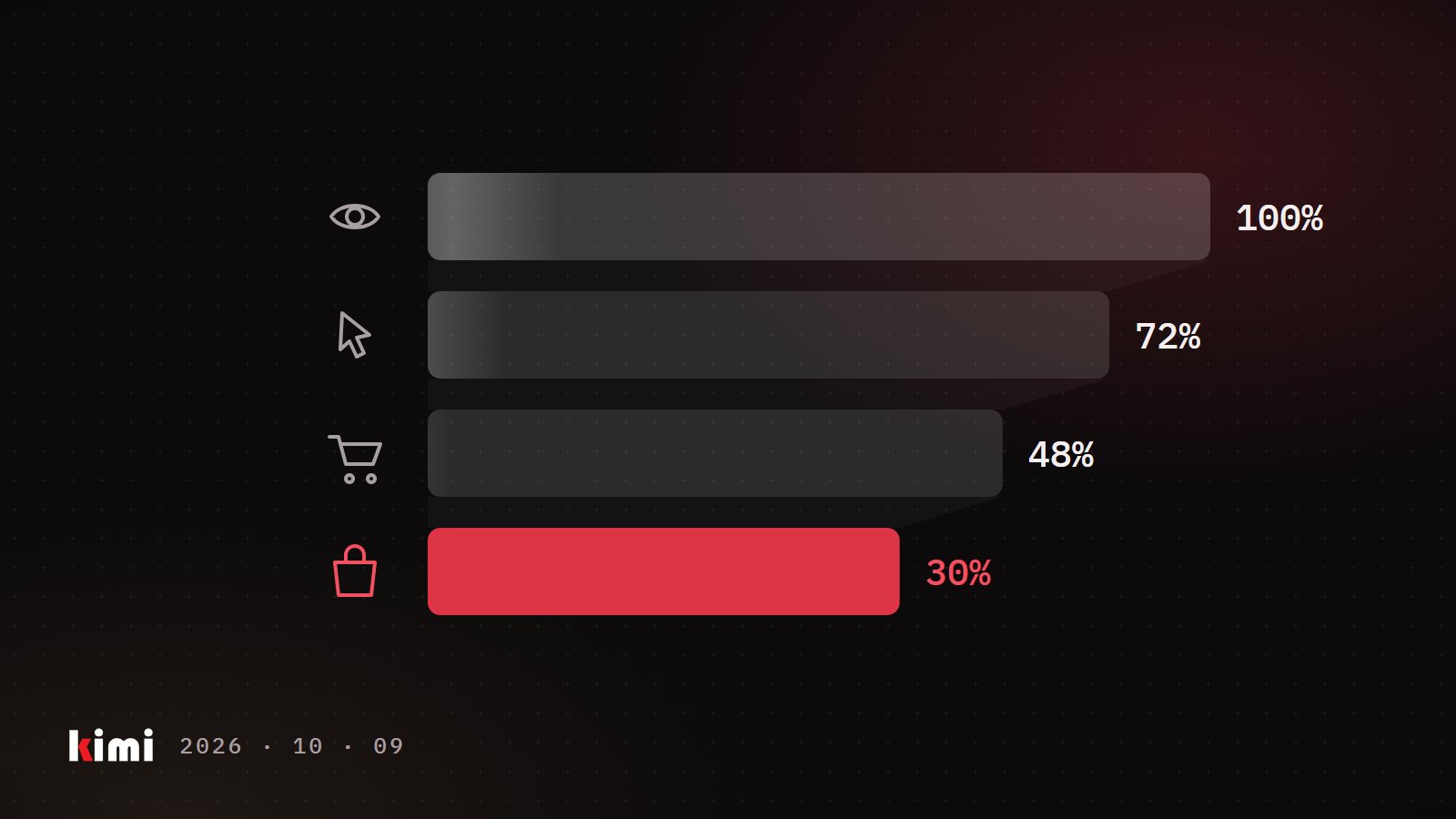
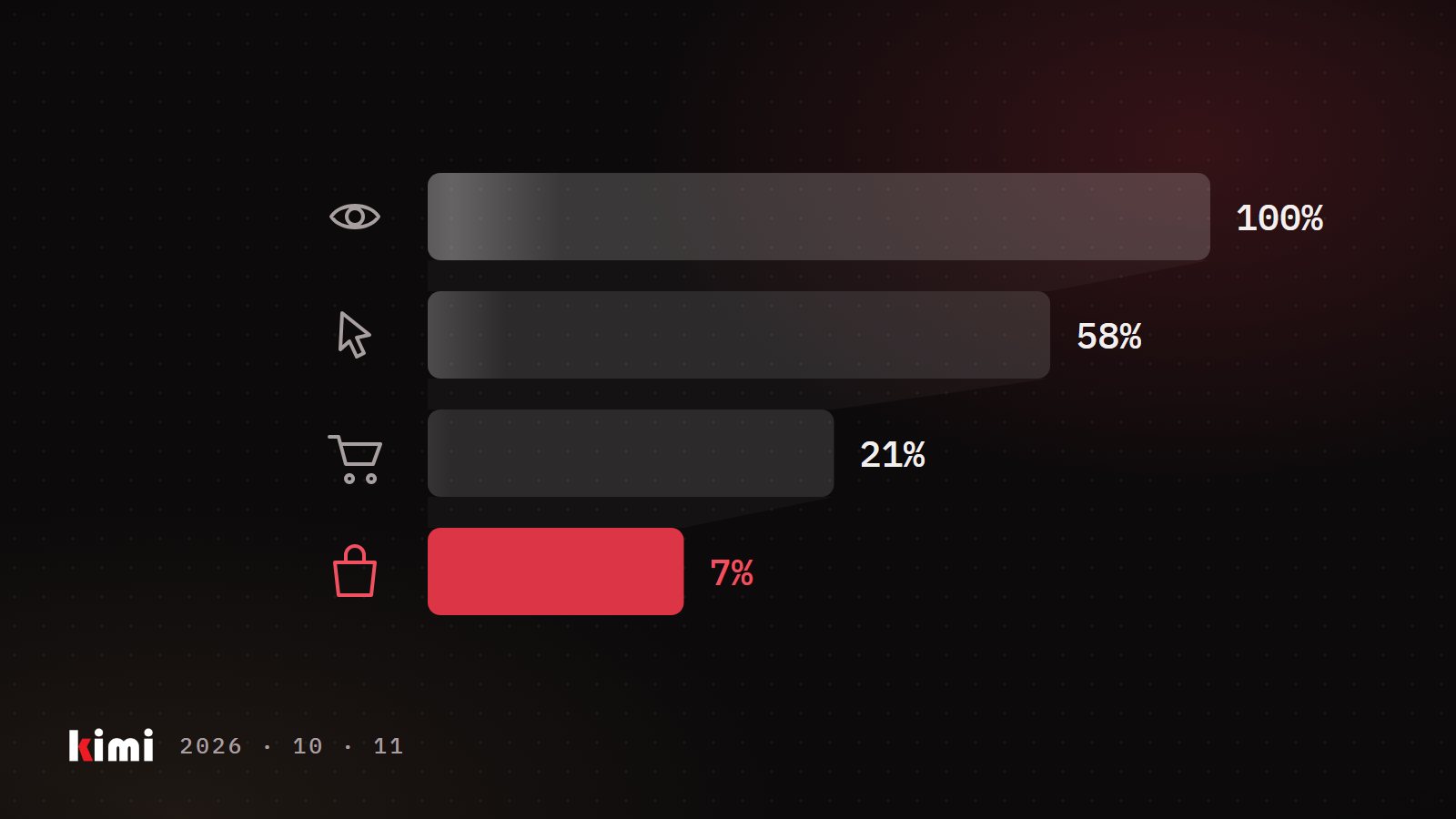
With stock, offer and budget cleared, ask the question most people start with. Split the drop in two. A traffic problem means fewer people saw or clicked: impressions and sessions (visits to your product page) fell. A conversion problem means people arrived and did not buy: sessions held, orders fell.
Compare the slump days with a normal week before the event. Event days make a poor baseline. In our experience, a normal post-event dip shows up as fewer sessions across most of your catalogue at once, with conversion close to its usual level. A problem on your side tends to hit one item or one group of items, or shows up as conversion falling while traffic holds.
On the ad side, the search term impression share report for Sponsored Products shows whether you lost share on the searches that matter. If conversion fell on one item, look at what changed on that page and around it: your price against competitors, a rival's coupon, a new review. Skip generic conversion benchmarks, since rates vary widely by category and price. Your own pre-event week is the benchmark.
Give the numbers a few days, too. In our experience, ad-attributed sales for recent days keep filling in.
A flat weekend after a big event is often the market catching its breath. Sometimes it is a stockout, a withheld featured offer or a budget that runs dry by mid-afternoon. Those three are cheap to find and cheap to fix, and no bid change or listing rewrite will fix any of them. Rule them out first, in order, and you go into Black Friday knowing what actually happened.